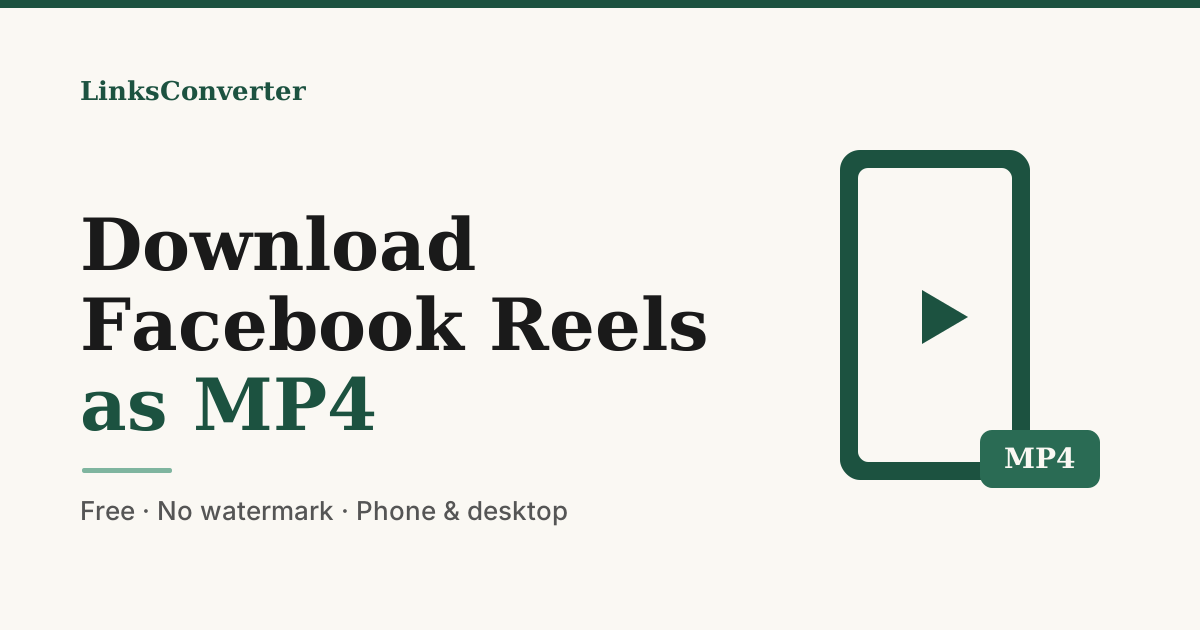
How to Download Facebook Reels as MP4 (Free, 2026)
Save any public Facebook Reel as a clean MP4 — free, no watermark, no app. A simple 2026 guide that works on phone and desktop, plus quality and legal facts.
A Facebook Reel is easy to watch and weirdly hard to keep. There's no real save button — only a "Save to Facebook" bookmark that vanishes the moment the Reel is taken down. Nothing ever lands on your device.
So when you want a Reel for offline viewing, for editing, or just to keep before it disappears, you need a tool that pulls the actual MP4. Here's how — free, no watermark, no app.
⚡ The 30-second answer
- What you get: the clean source MP4 — no watermark, no app.
- Fastest way: paste the Reel link into the Facebook to MP4 tool.
- How long: about 20 seconds, on phone or desktop.
- The catch: only public Reels work — private, friends-only, or deleted ones can't be saved by any tool.
The 20-second method: paste a link, get an MP4 #
The whole thing runs in your browser with the Facebook to MP4 tool — nothing to install.
The file is the original video with nothing stamped on it, and it's automatically deleted from the server after two hours.
Which quality should you pick? #
Reels are vertical (9:16), so "resolution" here means the height of that tall frame. A downloader can never beat the original upload — if a Reel was only posted in 720p, that's your ceiling.
Pick the highest quality offered unless file size is a concern — for a clip you'll re-share or watch on a big screen, go 1080p.
No app needed — on iPhone or Android #
There's nothing to install; it runs in your phone's browser:
- In the Facebook app, open the Reel and tap Share → Copy link.
- Open your browser and go to linksconverter.com/convert/facebook-to-mp4.
- Paste, choose a quality, and download. On iPhone the MP4 lands in Files (or your camera roll if you save it there); on Android it goes to Downloads.
Why "no watermark" actually matters #
Most free "save Facebook Reel" apps pay for themselves by branding your download — a logo in the corner, or a redirect through ad pages and fake buttons. That ruins the clip if you want to re-use it and clutters your phone with junk. The Facebook to MP4 tool returns the raw video: no logo, no overlay, no app.
A good downloader hands back your video and gets out of the way — no logo, no login, no leftover app.
Tool vs app vs screen recording #
Three common ways to keep a Reel, honestly compared:
| Way to save | Watermark | Install? | Quality |
|---|---|---|---|
| Paste-link tool | None | No | Original MP4 |
| "Reel saver" app | Often | Yes | Re-compressed |
| Screen recording | None | No (built-in) | Lower, catches the UI |
The browser tool is the only one that's clean and install-free. Screen recording works in a pinch but drops quality and captures your status bar; apps almost always brand the result.
Is it legal to download a Reel? #
Downloading a public Reel for your own offline use — to watch later, to keep a memory, to study how a creator edits — sits in the same everyday territory as saving a photo you can already see. What changes the picture is what you do next: re-uploading someone's Reel as your own, or using it commercially without permission, can infringe their copyright.
When a Reel won't download #
Not every link works — and it's usually one of these, not a broken tool:
Beyond Reels: videos, Watch, and other apps #
The same paste-a-link flow works for regular Facebook videos and Watch clips, and for the rest of your feed:
- Instagram Reels — same steps, same clean MP4
- TikTok — no watermark, no app
- YouTube — video or audio
- 1000+ other sites — one tool, no app per platform
Wrapping up #
For a Facebook Reel, the honest answer is short: copy the link, paste it into the tool, download the MP4. About 20 seconds, no app, no watermark — and only for public Reels.
Grab the Reel link and drop it into the Facebook to MP4 tool → — free, and the file self-deletes in two hours.
Frequently asked questions
How do I copy a Facebook Reel link?
Is downloading Facebook Reels free?
Will the downloaded Reel have a watermark?
Why won't a particular Reel download?
Can I download just the audio from a Reel?
Free file converters & video downloaders
No sign-up, no watermark, no email. Convert and download files online in seconds.
Browse all converters