Instagram Downloader Not Working? Why Links Fail, From 510 Real Links (October 2026)
We checked 510 Instagram links pasted into LinksConverter. Reels worked 99% of the time last week; post links failed far more often. Here is why, and what to paste instead.
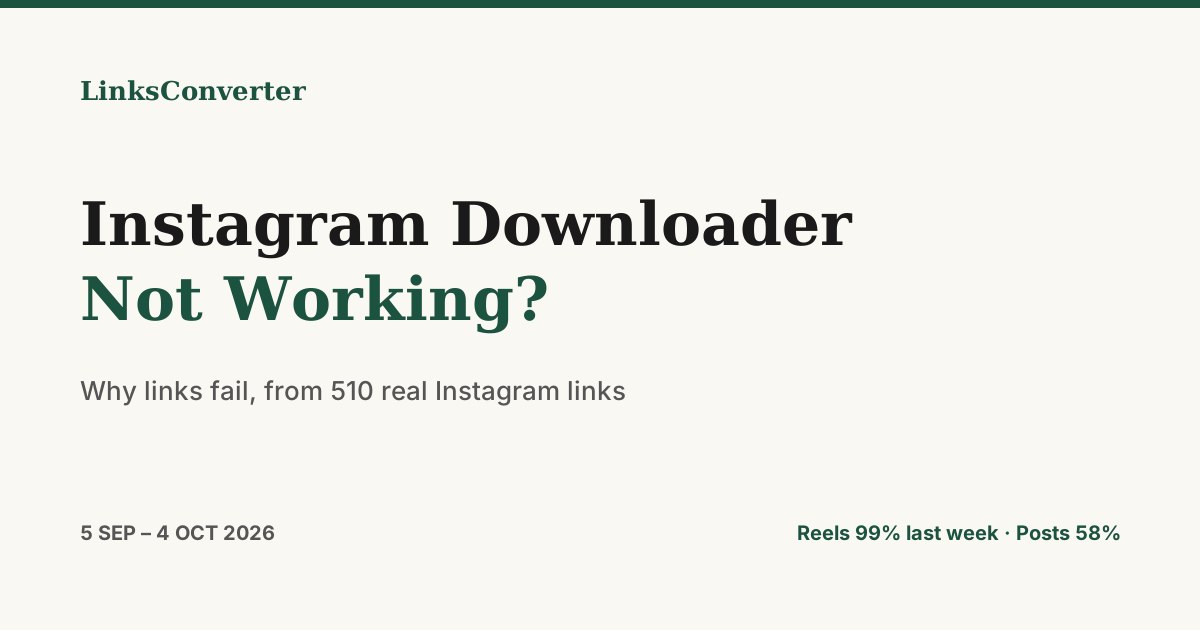
If an Instagram downloader suddenly stops working for you, the problem is usually the link, not the tool. We looked at every Instagram link pasted into LinksConverter for a month, 510 of them, and counted why the ones that failed did.
The numbers #
| Links | Became a file | |
|---|---|---|
| All Instagram links, 5 September to 4 October 2026 | 510 | 86.7% |
| Last week of that period (28 September to 4 October) | 145 | 93.8% |
Splitting the last week by the kind of link people pasted shows where the failures are:
| Kind of link, 7 days to 5 October | Links | Became a file | Typical wait |
|---|---|---|---|
Reel (/reel/…) | 146 | 98.6% | 20 s |
Post (/p/…) | 26 | 57.7% | 16 s |
| Something else (a profile, a search page) | 2 | 0% | |
Story (/stories/…) | 1 | 100% | 11 s |
"Typical wait" is the median time from pasting the link to the file being ready.
Why Instagram links fail #
Over the month, the failures split like this:
| Reason | Share of all Instagram links |
|---|---|
| Private account, deleted post, or a post only logged-in people can see | 9.0% |
| A link to a whole profile or feed, not one post | 3.7% |
| Over the size limit | 0.6% |
The reason is what our error message said, which is our best reading of Instagram's answer. None of these can be fixed by any downloader.
1. The account is private, or the post is gone #
Instagram shows posts from private accounts only to approved followers, and a deleted post is gone for everyone. A quick test: open the link in a private (incognito) browser window without logging in. If it doesn't play there, no downloader can fetch it.
2. The link is a profile, not a post #
instagram.com/somename/ is a whole profile. To save one reel or video, open it, tap Share, then Copy link, and paste that. It will look like instagram.com/reel/… or instagram.com/p/….
3. The post has no video in it #
Post links (/p/) failed far more often than reel links: 11 of 26 last week. A post is often a single photo or a carousel of photos. If you ask for MP4 or MP3 and the post has no video, there is nothing to convert.
4. Stories expire #
Stories disappear after 24 hours, and close-friends stories are private. A public account's current stories can be saved by pasting the story link or the account's stories link while they're still up.
What we changed #
- 2 October 2026: a new way of fetching Instagram and Facebook links. Short reels (up to a minute and a half) now come back in the sharper 1080p version where Instagram has one.
- That change is part of why the last week (93.8%) is higher than the month as a whole (86.7%).
Instagram's own download button #
Instagram has its own download option for public reels, and creators can switch it off for their reels. When it's off, the download button disappears in the app, but the reel stays public, so a link-based tool can still save it. A reel saved with Instagram's own button carries an Instagram watermark.
If your Instagram link still fails #
- Open it in a private (incognito) window. If it doesn't play, the post isn't public.
- Copy the link of the reel or post itself, not the profile.
- Check the post actually has a video in it, not only photos.
- If none of that is the problem, try again a little later and tell us with the feedback button on the result page.
For the other sites, see which video downloads actually work, with success rates by site. To try a link now, use the Instagram to MP4 converter →.
Frequently asked questions
Why can't I download my Instagram Reels anymore?
Did Instagram remove the ability to download videos?
Why does a post link fail when a reel link works?
Can I download a private account's posts or stories?
Does the creator get notified?
Free file converters & video downloaders
No sign-up, no watermark, no email. Convert and download files online, often within a minute.
Browse all converters