YouTube Downloader Stuck at 360p? Why It Happens and What Still Works (Sept 2026)
Since late August 2026 YouTube downloaders keep offering only 360p or say "Failed to download". Here is what changed at YouTube, which fixes actually help, and what still gives you 1080p.
If your YouTube downloader has recently started offering nothing but 360p, or gives up with "Failed to download", you are not alone and your settings are probably fine. Something changed on YouTube's side in late August 2026, and tools have been catching up one update at a time.
What people saw #
The clearest record is the public subreddit of 4K Video Downloader+, one of the most used desktop tools:
- 29 August: a user with a paid licence, signed in to YouTube, reported videos "maxing out at 360p" that were available at 480p the week before.
- 3 September: the developer confirmed that "360p is the only quality option available when parsing videos" for some users.
- 10 September: "the parsing issue that limits downloads to 360p is still unresolved", described as a complex fix.
- 16 September: version 26.3.3 was released.
- 20–22 September: users could not download after the update, and the developer wrote that it was seeing "Failed to download" errors again.
Users of yt-dlp and the apps built on it saw the same thing in different words: "Requested format is not available", HTTP 403 errors, or a format list with only one entry.
Why it happens #
A YouTube video is stored many times over: separate video streams for each quality, separate audio streams, and one old file, format 18, that has 360p picture and sound together. The players on youtube.com fetch the separate streams and join them as you watch.
Two things have been tightening. YouTube asks more and more requests for a proof-of-origin (PO) token before it hands out the good streams: a small piece of evidence that the request comes from a real player. yt-dlp's PO Token guide explains how its users supply one. And in some sessions YouTube serves the separate streams only through its newer streaming protocol, SABR. yt-dlp's issue tracker has a report from 10 September that two of its player clients became "SABR-only in some sessions (except for format 18)".
Put together: a tool that cannot produce the token, or cannot read that protocol, is left with the one format YouTube still gives to anyone. That is format 18, and it is 360p.
What still gives you 1080p #
Update your tool first. For 4K Video Downloader+, that means 26.3.3 or newer. For yt-dlp, the newest release or nightly build plus a PO-token provider plugin, as the guide describes. Desktop tools are a fine choice when they are current. The trouble starts in the gap between YouTube's change and the tool's update.
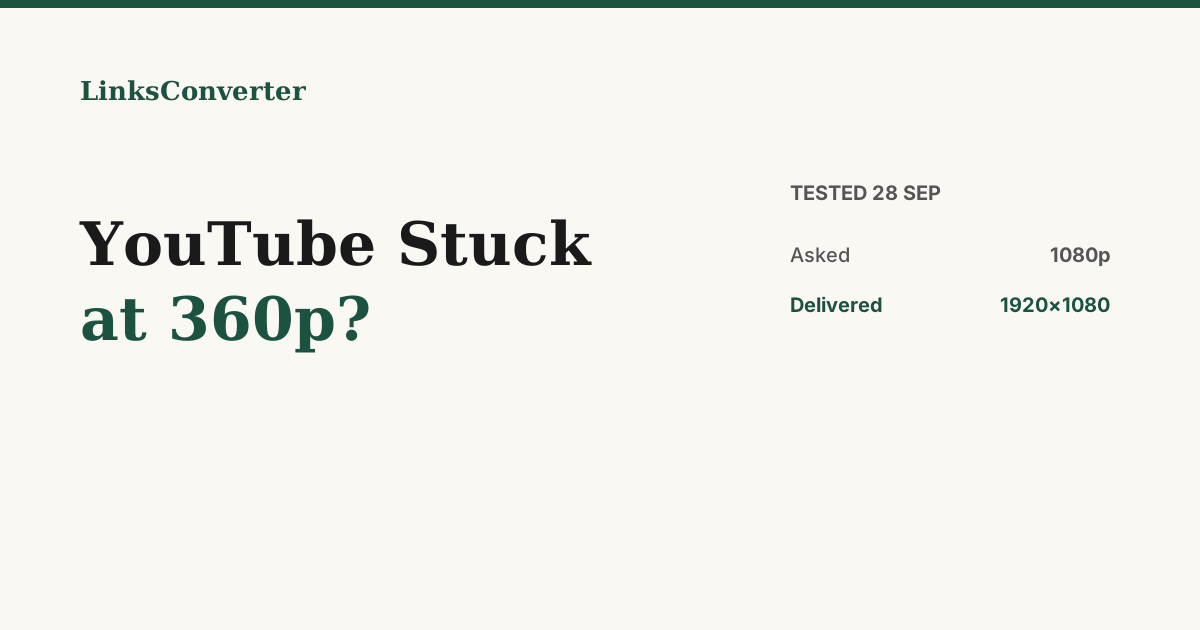
Or use a converter that already handles it. We ran our own web converter on 28 September 2026 with two public videos that exist in 1080p:
| Video | Asked for | Delivered |
|---|---|---|
| A 3:33 music video | MP4, 1080p | 1920x1080 H.264 with AAC sound, in 46 s |
| A 10-second part of an open movie | MP4, 1080p | 1920x1080 H.264 with AAC sound |
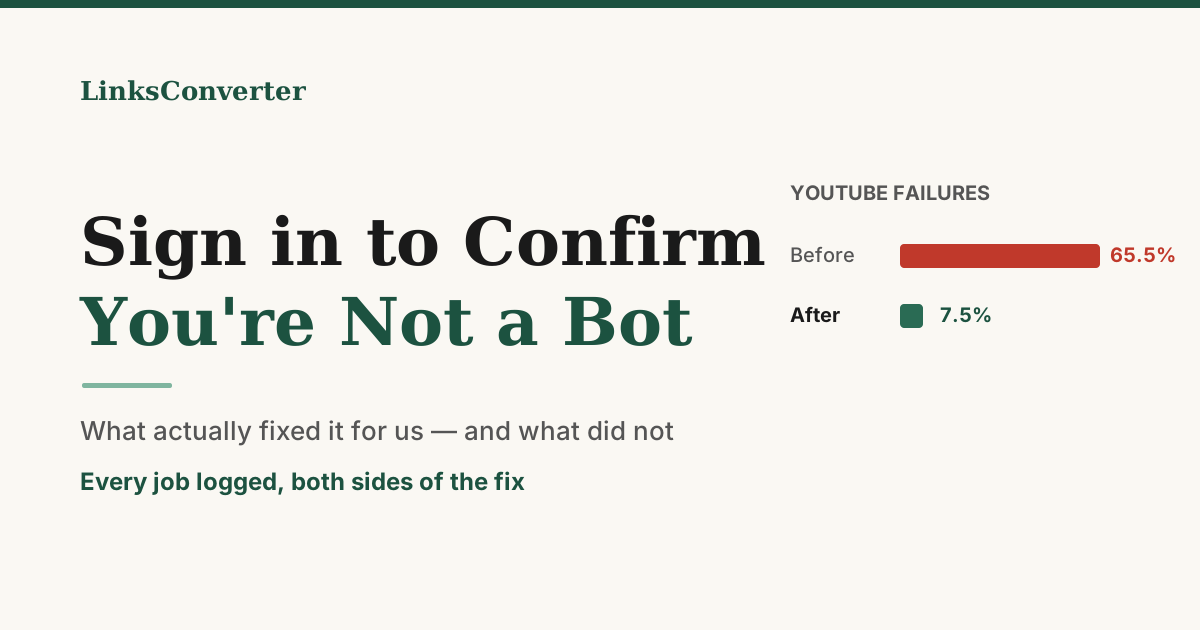
Across the two weeks from 13 to 27 September, 2,625 YouTube jobs from US visitors went through our servers, and about 96.6% finished. That is not a promise that nothing will ever break. YouTube changes things often, and web tools need updates too. It does mean the 360p problem is fixable, not a new ceiling.
Paste the link into YouTube to MP4 and pick the quality. For music, YouTube to MP3 gives you the audio.
What no fix will change #
- 4K is not H.264. YouTube stores 4K only as VP9 or AV1. An ordinary MP4 tops out at 1080p; a 4K download is an AV1 or VP9 file, which recent phones, browsers and TVs play.
- Some videos need an account. Age-restricted, members-only and private videos only play while signed in. A tool that works around that is using someone's account, and YouTube restricts accounts used that way.
- The source sets the limit. If a video was uploaded in 720p, nothing produces 1080p from it.
Wrapping up #
360p-only is YouTube holding back the good streams, not your settings. Update the tool you use, and if it is still stuck, a converter that already supplies what YouTube asks for gives you the full quality in the meantime.
Try it free: YouTube to MP4 → or YouTube to MP3 →
Frequently asked questions
Why does my YouTube downloader only show 360p?
Will signing in to YouTube in the downloader fix it?
Is 4K Video Downloader fixed?
How do I fix it in yt-dlp?
Can I get 4K?
Why do some videos still fail everywhere?
Free file converters & video downloaders
No sign-up, no watermark, no email. Convert and download files online in seconds.
Browse all converters