
How to Convert YouTube to MP3 — Free, in High Quality (2026 Guide)
Convert any YouTube video to MP3 in seconds — free, no sign-up, 320 kbps quality. Step-by-step guide for mobile, desktop, and browser. Legal info included.
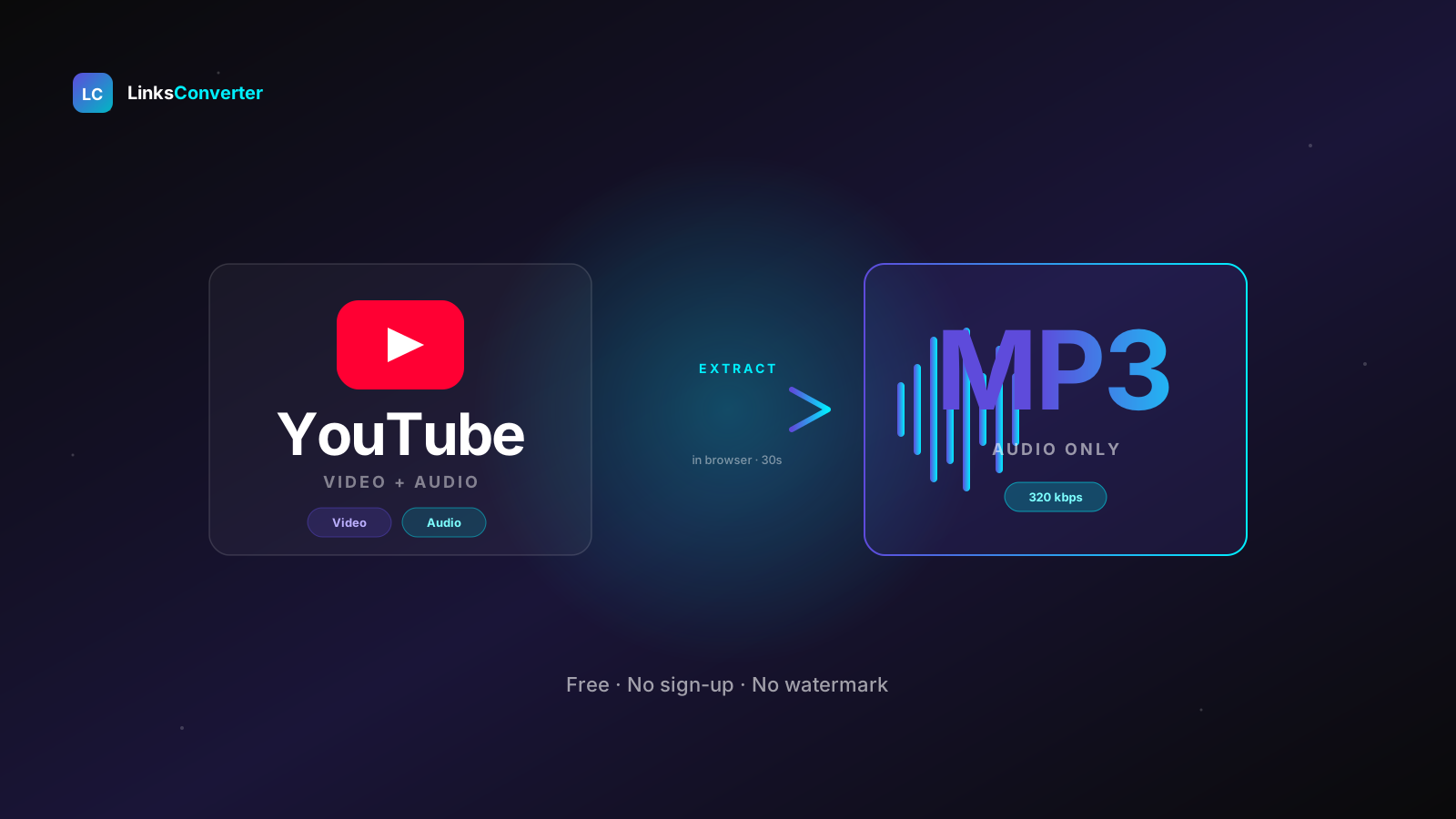
Why Download YouTube Audio? #
YouTube hosts more audio content than any music streaming platform — full albums, rare live performances, podcasts, lectures, ambient mixes, and millions of tracks that never made it to Spotify or Apple Music. But streaming requires an internet connection, drains battery, and burns through mobile data.
Converting a YouTube video to MP3 gives you a standalone audio file you can:
- Listen to offline — on flights, commutes, or anywhere without Wi-Fi
- Transfer to any device — car stereo, old iPod, or a dedicated MP3 player
- Import into podcast apps, DAWs, or video editors
- Archive lectures, interviews, and speeches
- Use as background audio in your own projects (with proper licensing)
Method 1: Free Online Converter (Fastest) #
The quickest way — works on every device, with nothing to install. LinksConverter uses yt-dlp under the hood, the same engine professional developers rely on, wrapped in a simple one-click interface.
Copy the YouTube URL #
Open YouTube, find your video, and copy the URL from the address bar. On the YouTube app, tap Share → Copy Link.
Open LinksConverter #
Go to linksconverter.com/convert/youtube-to-mp3 in any browser. No account, no sign-up required.
Paste the URL and click Convert #
Paste the YouTube URL into the input field and hit Convert. LinksConverter downloads the video server-side and extracts the audio stream, encoding it at 320 kbps.
Download your MP3 #
When conversion finishes — usually in under 30 seconds — click Download to save the MP3 to your device. The file is permanently deleted from the server after 2 hours.
Tip: It works with YouTube Shorts, YouTube Music, and unlisted videos too — just paste any valid YouTube URL.
Method 2: On Mobile (iPhone & Android) #
No app needed. LinksConverter works in any mobile browser — Safari on iPhone, Chrome on Android, or whatever you use.
iPhone (Safari) #
- Open the YouTube app and find your video
- Tap Share → Copy Link
- Open Safari and go to linksconverter.com/convert/youtube-to-mp3
- Paste the link and tap Convert
- When done, tap Download — the MP3 saves to your Files app
- To add it to Apple Music: open Files, tap the MP3, then Share → Add to Music
Android (Chrome) #
- Open YouTube and tap Share → Copy Link
- Open Chrome and go to linksconverter.com/convert/youtube-to-mp3
- Paste and tap Convert
- Tap Download — the MP3 saves to your Downloads folder
- Open any music player app to find and play it
On iPhone, if the download opens in the browser instead of saving, tap and hold the Download button and choose Download Linked File. It will then appear in Safari's Downloads inside the Files app.
Audio Quality — What to Expect #
This is where most guides mislead you. Here's the honest picture.
LinksConverter encodes your MP3 at 320 kbps — the highest standard bitrate. But YouTube's source audio is typically encoded at 128–256 kbps AAC. That means:
- The MP3 output cannot exceed the quality of the YouTube source
- Encoding at 320 kbps ensures no additional quality is lost during conversion
- You get the best possible MP3 from whatever YouTube actually serves
| YouTube Source Quality | Typical Bitrate | LinksConverter Output | Result |
|---|---|---|---|
| Music (high-quality upload) | 256 kbps AAC | 320 kbps MP3 | Excellent |
| Standard video audio | 128 kbps AAC | 320 kbps MP3 | Good |
| Old / low-quality upload | 64 kbps AAC | 320 kbps MP3 | Fair (source-limited) |
| Live recording / stream | Varies | 320 kbps MP3 | Depends on stream |
Want the absolute best audio? Use the YouTube to MP4 converter first to get the video file, then run the MP4 to WAV converter to extract lossless audio — WAV preserves the full source quality with no compression.
Is It Legal to Convert YouTube to MP3? #
This is general information, not legal advice. Laws vary by country. When in doubt, consult a legal professional or only download content you own the rights to.
This is the most-searched question in this space — and the honest answer is: it depends.
What YouTube's Terms of Service Say #
YouTube's Terms of Service technically prohibit downloading content without explicit permission from YouTube or the content owner. This applies to all third-party downloaders. However, a Terms of Service violation is a civil matter between you and YouTube — not a criminal offence.
What Copyright Law Says #
Copyright law is what matters most. The key distinctions:
- Personal use / fair use: Downloading a video you own the rights to, or for private personal listening, is generally considered fair use in many jurisdictions — including India, the US, and the UK
- Public domain content: Old recordings, government speeches, and Creative Commons content are fully legal to download
- Copyrighted music for redistribution: Downloading and then sharing or selling copyrighted music is copyright infringement — illegal everywhere
- Your own work: Downloading videos you uploaded yourself is obviously fine
The Practical Reality #
Millions of people use YouTube-to-MP3 tools daily for personal use. Legal action against individual users for private listening is essentially unheard of. The real legal risk applies to those who download and redistribute copyrighted content commercially.
Method Comparison #
| Method | Speed | Works on Mobile | No App Needed | Best For |
|---|---|---|---|---|
| LinksConverter (online) | Fastest | Yes | Yes | Everyone — any device |
| YouTube Premium | Instant | Yes | Needs YouTube app | Legal offline listening (paid) |
| yt-dlp (CLI) | Very fast | No | Needs install | Developers, bulk downloads |
| 4K Video Downloader | Moderate | No | Needs install | Desktop power users |
For a one-off conversion on any device, the online converter wins on every axis. For bulk or repeat downloads, a local tool like yt-dlp is worth the setup.
Related Tools & Guides #
- YouTube to MP4 Downloader — keep the full video instead of just audio
- MP4 to MP3 Converter — already have the video file? Extract the audio
- MP4 to WAV Converter — lossless audio extraction
- How to Convert MP4 to MP3 — the companion guide
Frequently asked questions
Is it free to convert YouTube videos to MP3?
What MP3 quality will I get from YouTube?
Is it legal to convert YouTube videos to MP3?
Does LinksConverter work on iPhone and Android?
What is the maximum video length I can convert?
Are my conversions private?
Can I convert YouTube Shorts to MP3?
Can I convert a full YouTube playlist?
Free file converters & video downloaders
No sign-up, no watermark, no email. Convert and download files online in seconds.
Browse all converters