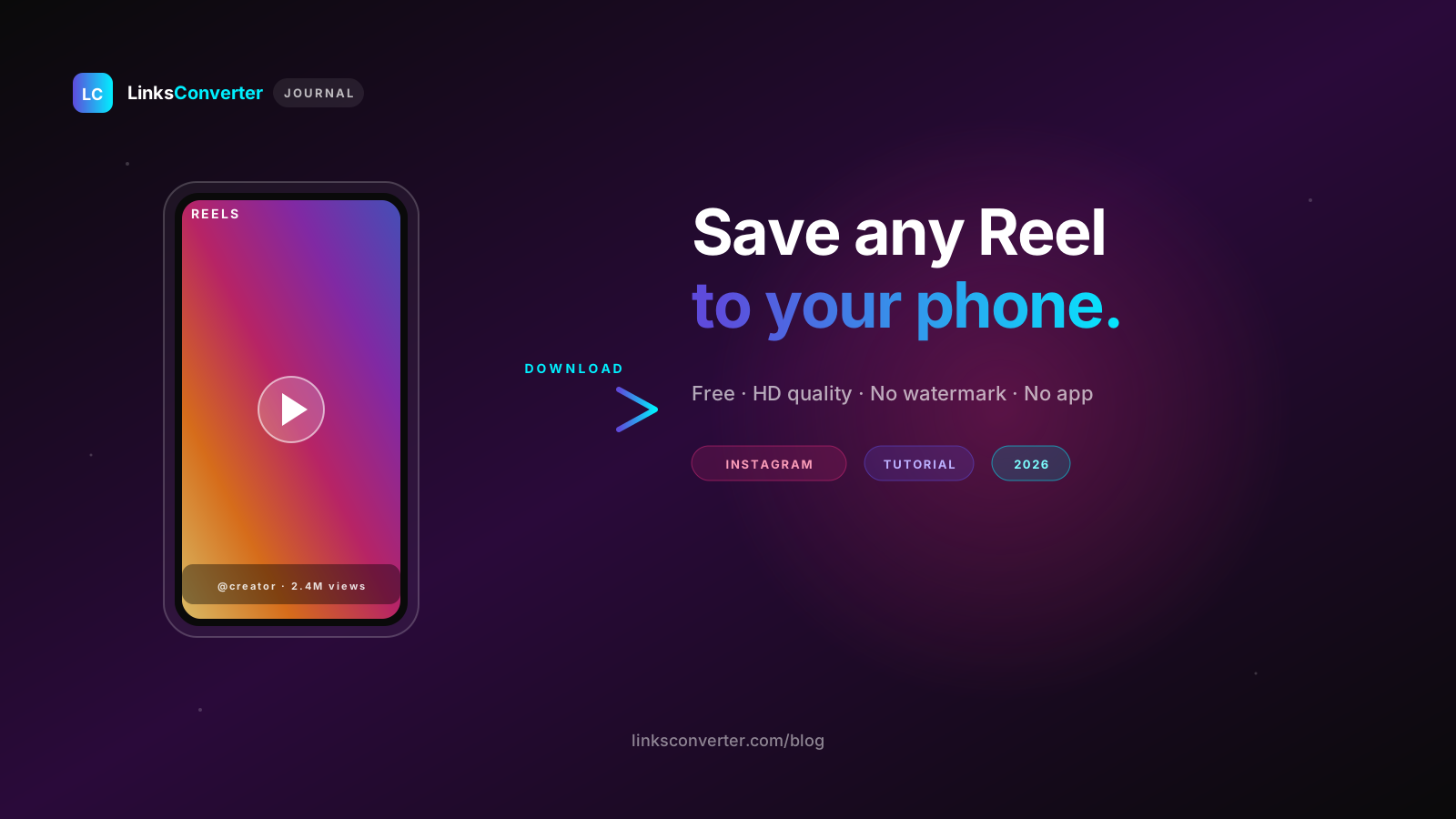
How to Download Instagram Reels in 2026 — The Method That Still Works
How to download an Instagram Reel in 2026: the method that works on any phone — no watermark, no app, no login.
Instagram's bookmark keeps a reel inside the app; it is not a file.
Many reel downloaders are dead, fake, or bury you under pop-ups. Here's what actually works in 2026 — and why the method matters more than the tool.
⚡ The 30-second answer
- Copy the link: tap Share → Copy Link on the reel (it starts with instagram.com/reel/).
- Paste it here: open the Instagram downloader in your browser and tap Convert.
- Download: you get an MP4 — up to 1080p for reels up to 90 seconds, no watermark, usually within a minute.
- No app, no login — and it only works on public reels, never private accounts.
Why many reel downloaders fail #
- Browser extensions. Instagram spots the extension talking to its web app and blocks the request.
- The "inspect element, find the .mp4" trick. It half-works, but a reel may arrive as separate video and audio pieces instead of one clean MP4.
- Screen recording. Possible, but you lose quality, and you record whatever is on screen.
Download any public reel in 4 steps #
This one is clean. Android, iPhone, desktop — all fine.
Will it eat your mobile data? #
The whole reel runs through the server, so your phone only downloads the finished MP4 — no double the traffic. Half of the Instagram videos we delivered at 1080p since 2 October were under 10 MB, and nine in ten were under 40 MB.
Reel, story or post — what you can grab #
Same paste-the-link flow works across most public content. The catch is always the same: public, yes; private, never.
| Content type | Can you download it? | Note |
|---|---|---|
| Reel | Yes (public) | MP4, no watermark |
| Feed video / post | Yes (public) | Same paste-the-link flow |
| Story | Yes (public, while live) | Paste the story link within its 24 hours |
| Long video post | Yes (public) | Bigger file, same method |
| Anything from a private account | No | Needs a login — don't hand it over |
When something won't download #
Match your symptom, apply the fix.
Every method, ranked #
The usual ways to save a reel, side by side:
| Method | Max quality | Watermark | Works on mobile | Verdict |
|---|---|---|---|---|
| LinksConverter (paste link) | Up to 1080p (reels up to 90 s) | None | Yes | Best overall |
| DevTools (desktop browser) | Whatever the page loads | None | Desktop only | Good, slow |
| Instagram's own save | — | Always added | Yes | Avoid |
| Screen recording | Lower than the original | None | Yes | Poor quality |
Worth remembering: if the creator uploaded at 720p, nothing gives you 1080p — the source file is the ceiling. We re-encode Instagram's 1080p rendition to H.264 so it plays everywhere; longer reels come as Instagram's own 720p H.264 file.
Prefer to trust no tool at all? #
If pasting a link into any third-party site makes you uneasy, this keeps everything on your own machine. It's desktop-only and slower, but a direct MP4 may still be reachable:
- Open instagram.com in your desktop browser and go to the reel's URL
- Press F12, open the Network tab, filter by Media
- Refresh, then play the reel
- Right-click the
.mp4request, open it in a new tab, then right-click the video → Save As
Is it legal in India? #
Saving a reel to watch later — a workout, a recipe, a friend's clip — sits inside the private-use provisions of the Copyright Act 1957. The line gets crossed when you re-upload someone's reel as your own, or use it commercially without permission. Instagram's Terms do ban automated downloading, but that's a contract issue between you and Instagram, not a courtroom one. Simple rule: only download content you have the rights to, and credit the creator if you share.
Related tools & guides #
- Instagram to MP4 Downloader — the tool used above
- YouTube to MP4 Downloader
- TikTok Video Downloader
Save your first reel free, no signup: Open the Instagram Downloader →
Frequently asked questions
Will the creator know I downloaded their Reel?
Why does my downloaded Reel still have a watermark?
Does this work on slower mobile connections?
Can I download Reels from private accounts?
Is it legal to download Instagram Reels in India?
Free file converters & video downloaders
No sign-up, no watermark, no email. Convert and download files online, often within a minute.
Browse all converters