Strong Passwords in 2026 — What Actually Works
Strong passwords explained honestly — rough crack times, the most common mistakes, what changed in 2026, and how to generate one free in 10 seconds. No fluff.
Picture a shared Google Drive holding client contracts, invoices and salary data, guarded by Admin@123: a generic word, the special character everyone reaches for first, and the number half the internet sets as a default.
Nobody needs a zero-day exploit to open it. A bot running a list of common default passwords gets in within a few guesses.
Admin@123 is not a strong password. Neither is London2024!, Smith#1, or SecureIndependence76. The wordlists crackers actually use have entire dedicated sections for common surnames, top-tier athletes, blockbuster titles, and national holidays. Your password is far less original than it feels.
What "strong" actually means #
Strength isn't about looking complicated to a human. It's about how long a machine takes to guess it. An attacker buys a dump of hashed passwords from a breach, then runs it through hardware that tests billions of guesses a second. The only question that matters is how many guesses it takes to reach yours.
| Password | Strength | Time to crack |
|---|---|---|
password | Terrible | Instant |
Admin@123 | Weak | Under 2 minutes |
London2024! | Medium | A few hours |
Tr0uble!Mango#7 | Good | Centuries |
k#9Lm$2vQp!rXwN8 | Strong | Effectively uncrackable |
Admin@123 has a capital, a lowercase, a number, and a symbol — it passes every old-school complexity checker. It still falls in under two minutes. Character-type rules barely matter without real length and real randomness behind them.
The most common mistakes #
- Name plus number —
John123,Emily@1,Jones2026. Automation tools pair name lists with every likely number combination instantly. - Important dates — birthdays, anniversaries, "NewYear2026." Dates are weak, and easily scraped from public profiles.
- Pop culture and sports — team names, player numbers, movie titles. Standard wordlist material.
- Phone numbers — tied directly to your identity across tracking spaces. Using one as a credential is close to no security at all.
- Messaging yourself passwords "to remember them." Chat backups are often not encrypted at rest the way a dedicated manager is.
The actual rules #
| Rule | Why it matters | Verdict |
|---|---|---|
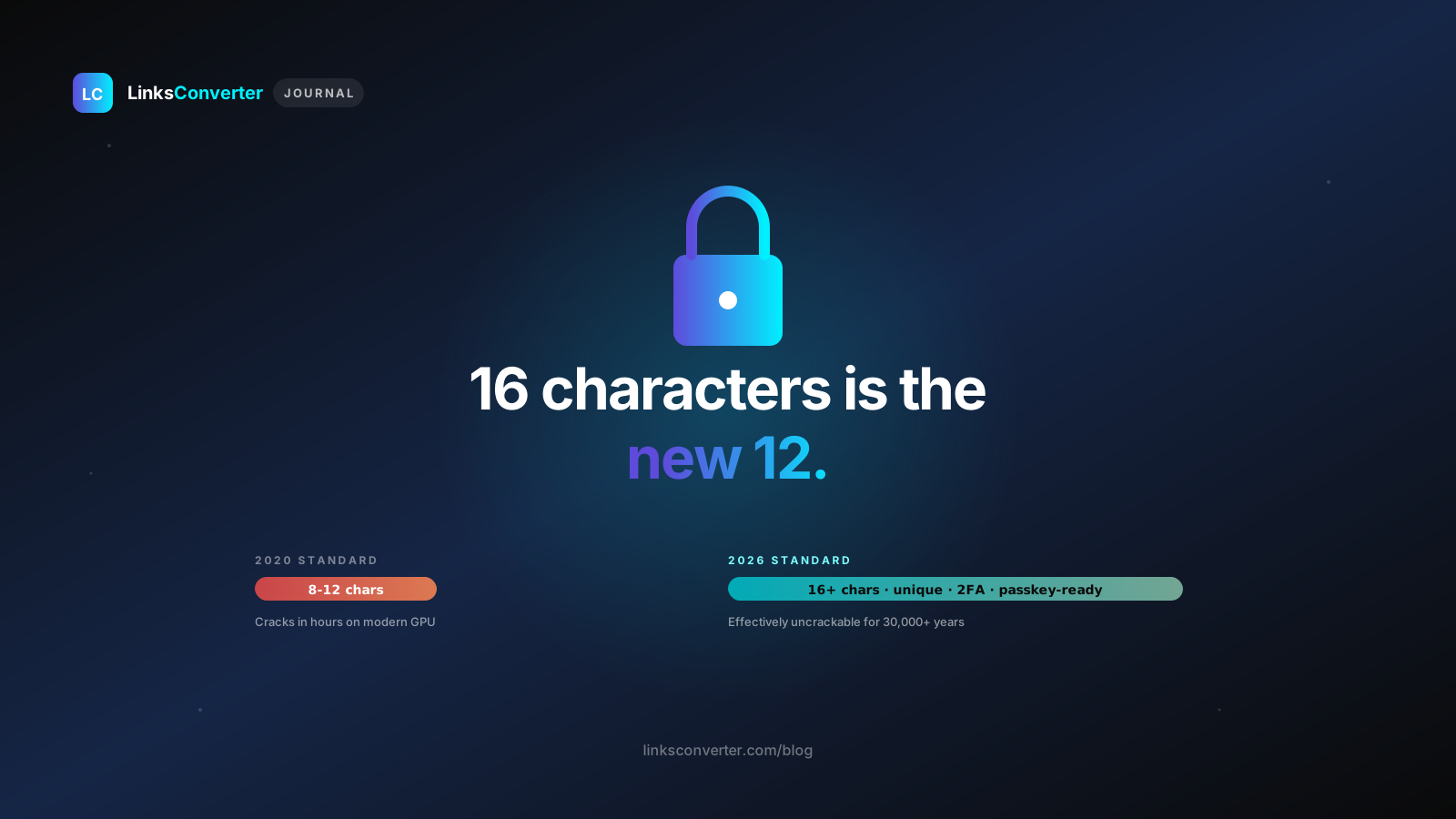
| At least 16 characters | Every extra character exponentially multiplies the keyspace. | Essential |
| Truly random | Cracking software feeds on predictable structure. | Essential |
| No dictionary words | Dictionary attacks chew through millions of words a second. | Essential |
| Unique per account | Reuse turns one minor breach into total access everywhere. | Essential |
| Mix of character types | Adds variance, but always comes second to length and randomness. | Helpful |
| Change every 90 days | Outdated — forced resets just produce predictable sequences. | Skip it |
Passphrase or random string? #
Both are fine. They just suit different jobs.
A random string like k#9Lm$2vQp!rXwN8 is as unguessable as it gets, but you can't realistically memorize it — it has to live in a password manager. That's the right choice for the 95% of accounts your browser or app fills in automatically. Generate one free with the password generator: the password is generated in your browser and never sent anywhere.
A passphrase like mango-cliff-orbit-rain-7 — four unrelated random words — is long, strong, and human enough to type from memory. That's the ideal format for your master password or primary device lock.
The classic passphrase mistake: picking words that naturally go together.
BlueOceanSunsetis basically one cohesive concept — a predictable pattern.mango-cliff-orbit-rainhas zero structural thread connecting the words, which is the entire point. Let a randomizer pick the terms, never your own imagination.
What changed in 2026 #
SMS OTP is no longer true two-factor authentication. SIM-swap fraud has scaled rapidly worldwide. If your second layer relies entirely on a text to your phone number, your security rests on a telecom employee following verification steps perfectly. Move to a dedicated authenticator app instead.
AI-assisted guessing has gone mainstream. Modern threat models use models trained on public social data to infer personalized credential patterns. Your name, city, graduation year, or pet's name — anything scraped from a public profile is now an immediate vulnerability.
Legacy portals still cap password length. Many older corporate and institutional systems still cap inputs at 12–15 characters. Use the maximum length allowed, enable multi-factor authentication everywhere possible, and never reuse that forced-weak password anywhere else.
Password managers — the only realistic answer #
Nobody can memorize forty unique 16-character strings. That's biology, not a personal failing.
- Bitwarden — the best free pick: open-source, audited, syncs reliably across devices.
- 1Password — paid, excellent when a family or team needs a shared vault.
- KeePass — fully offline, keeping the encrypted database strictly local to your machine.
What doesn't count as storage: raw passwords in chat-app notes, unencrypted notes apps, or browser autofill with no master-password challenge. Anyone with access to your unlocked device instantly inherits everything.
How to generate a strong password #
The quickest route to solid credentials is a free generator like the LinksConverter password generator, where the password is generated in your browser and never sent anywhere.
- Set the target length to 16 at minimum — 20+ for sensitive accounts. There's no downside to going longer.
- Turn on all four character types. If an older site refuses symbols, drop symbols for that one application only.
- Copy the result straight into your password manager — never into a notes app or a message to yourself.
The generator is step one; the manager is step two. You need both to stay protected.
What about passkeys in 2026? #
Passkeys are steadily replacing passwords because they're fundamentally immune to phishing. A passkey pairs a public key hosted on a website with a private key stored inside your device, unlocked with FaceID or a fingerprint. Whenever an app offers the upgrade, take it. Until every legacy service supports passkeys universally, a strong generated password paired with a trusted manager remains the reliable baseline.
Frequently asked questions
What makes a password strong?
How long should a strong password be?
Is it safe to use an online password generator?
Should I use the same strong password for multiple sites?
Are Indian names or dates weak passwords?
Which password manager should I use in India?
Does LinksConverter store my generated password?
Free file converters & video downloaders
No sign-up, no watermark, no email. Convert and download files online, often within a minute.
Browse all converters